Qtake HD is shipping now!
  • Home
  • Overview
  • Features
  • Modules
  • Hardware
  • Demo
  • Support
  • Price
  • Contact
  • Forum
QTAKE HD Screenshot
Digital HD Video Assist on Mac.

We took the power of the new Mac hardware and the years of filmmaking experience to built the most advanced video assist system.
Instant record and playback, powerful clip database, real-time image processing, intuitive editing, dual-camera option, stereoscopy, RED ONE support...
these are just a few features that make QTAKE HD the future-proof choice of industry professionals.
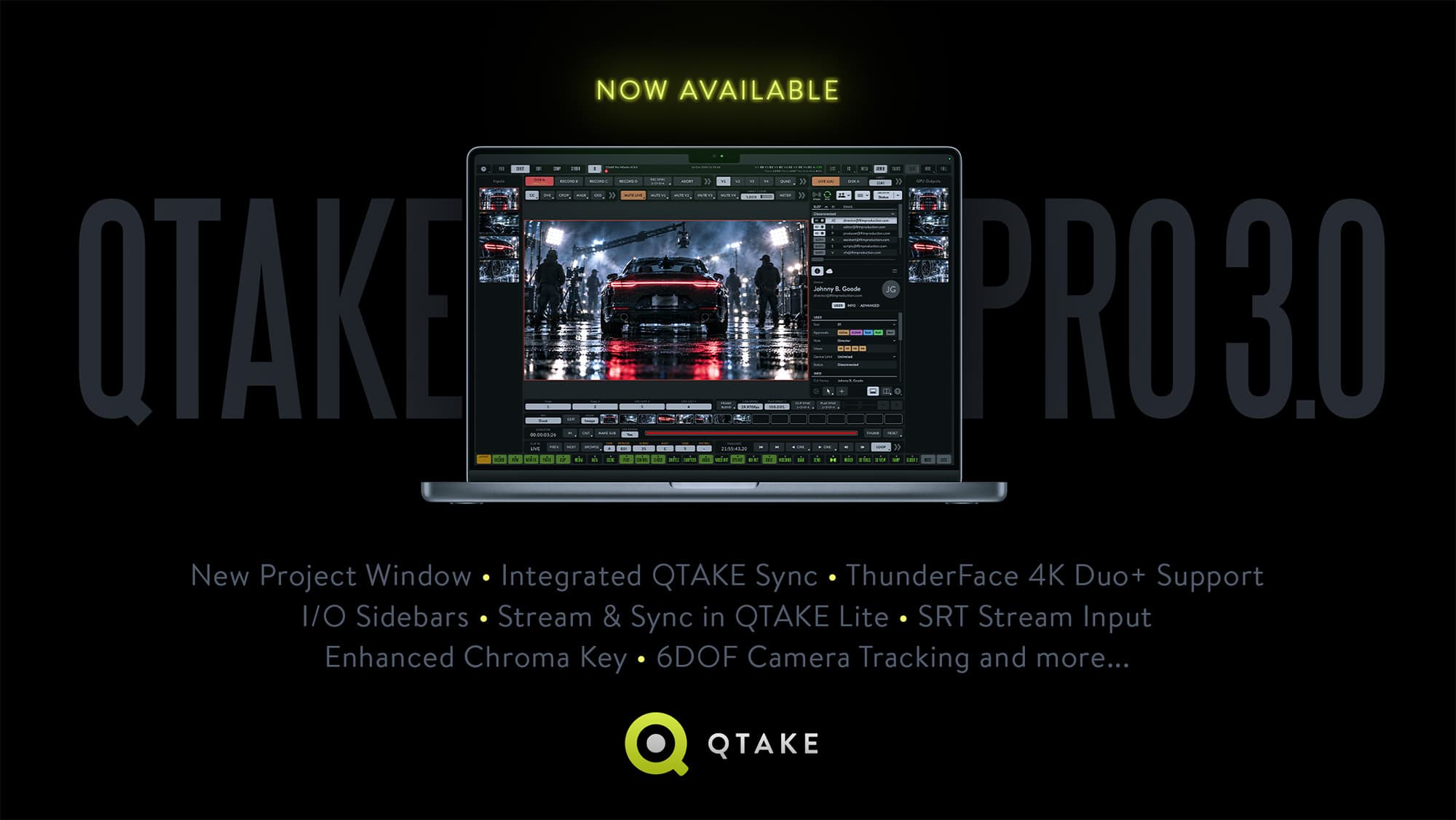
Overview
What is QTAKE HD? How it works?

QTAKE HD is a complex software application designed and developed for video assist professionals. It is used to log, capture, playback, edit and process video output of the Digital Cinema Cameras.

Formerly known as DiVA HD, this system was tested in real production environment for almost a year. Many features were added since then to bring you the best in HD Digital Video Assist.

QTAKE HD is a powerful, but easy to learn system, that integrates every aspect of modern video assist into the single solution. Extensive logging capabilities, rapid shot selection with tree-based visual browser, simple and intuitive non-linear editor, import and export, realtime overlay with blending, keying and wipe... Dig deeper into the new possibilities.

QTAKE HDx2 provides unmatched Stereoscopy features:
Live 3D Processing, 3D Playback and 3D Editor.

Take your video assist services to a new level.

QTAKE HD runs on OS X Leopard using latest software and hardware technology available from Apple, Inc. It uses QuickTime-based movie files so you can share your media across QuickTime compatible applications, such as Final Cut Pro.

QTAKE HD uses video input hardware from AJA and BlackMagicDesign to capture High Definition video, audio and timecode information. Each clip is captured to a high speed media storage and can be retrieved instantly for playback or editing.

By utilizing GPU power of the advanced Nvidia graphic boards, QTAKE HD is able to perform intensive image processing in realtime. It also uses GPU for full-screen processed output.

In LIVE mode, QTAKE provides live signal passthrough from Kona3 outputs. In DISK mode, you can use SDI outputs to monitor fully processed dual stream video and audio.

Touchscreen UI Instant Record & Playback RED ONE Support
Touchscreen UI Record Red One
Experience resolution independent User Interface with finger-sized controls, suitable for touchscreen operation. Create custom user layout for each screen to put your most wanted features under your fingertips. If you prefer using the keyboard - check out our unique Visual Shortcuts. After each recording, QTAKE HD switches from LIVE to DISK mode, making your shot review just a click away. You don't have to search for an interesting part of the clip - insert markers and chapters during record. Even make subclips on the fly for series of takes! Perform real-time reverse pulldown for RED ONE Digital Cinema Camera. QTAKE HD is the ONLY video assist software capable of recording only "valid" frames from RED ONE camera SDI output. New features include AUTO-RECORD and .R3D Filename readout directly from SDI feed.
Extensive Clip Database Visual Shot Browser GPU Image Processing
Database Browser Processing
Shot logging is the essential part of professional video assist. QTAKE HD can store standard scene data as well as extended meta-data like camera settings and various shot notes. And you can enter every field before, during or after recording. QTAKE HD has the most intuitive clip browser to help you find the right take in a second. It uses the combination of tree-based view and thumbnails to achive this. You can filter clips by rating to reveal only the director's favorite ones. Forget the hardware boxes or picture adjustments on a monitor. Now you can move, scale and rotate your image, apply simple color correction and display format mask in realtime - all inside the application. Be it live signal or playback.
On-set Editing Video Output Import & Export
Editing Output Import Export
Check the action timing or continuity with the built-in editing tool. This is not the playlist player. It is an intuitive single-track NLE capable of dual-view trimming to help you visually adjust every cut. You can change the speed of each shot on a timeline or use the match-frame feature to find the source shot. QTAKE HD can output processed frames to secondary DVI output for low-cost full-screen monitoring. If you need to view the ouput on the SDI monitors you can use DVI to SDI convertor. Kona3 SDI Outputs are also enabled, although you need 2x Kona3 card for Dual HD Live Processing. Do you need more sophisticated editing application to satisfy your needs? You can export your project to Final Cut Pro with the captured media and the clip meta-data. QTAKE HD will create FCP bins for all scenes and shots!
Finding the right shot has never been easier.
Realtime Composite Red Mag Synchronization Capture Codecs
Composite Red Sync Codec
With QTAKE HD you can prepare the vfx shots with ease. Create realtime 2 layer composite with various blend-modes, blue/greenscreen keying or wipe transition. You can use any two sources for overlay, live or disk. Synchronize QTAKE HD media files to original R3D files located on RED ONE Digital Magazine. Red filenames and meta-data is attached to corresponding clips enabling you to use QTAKE HD files as a self-contained movie files ready for offline edit. Choose the codec that fits your postproduction worflow or just make your selection based on quality/space requirement ratio. QTAKE HD supports Apple ProRes, DVCPRO HD, Intermediate and Uncompressed movie codecs.
Base BASEMinimal software configuration of QTAKE HD

This is the main module of QTAKE HD application. It is built on top of a powerfull clip database that enables you to manage clips and their meta-data. BASE module provides many unique features that make up powerful, yet cost-effective HD Video Assist.

Using just the BASE module you can set-up any SD or HD resolution project, capture camera output and instantly playback clips at variable speed in a flexible, custom designed dual-view UI. Use many standard and advanced entry-fields to attach meta-data to each clip. Quickly access any clip using tree-based visual clip browser.

Powerfull GPU-driven views enable you to apply real-time color-corrections, LUTs, image transformation and format masks. Viewers are capable of displaying any combination of live and disk source, just like using hardware matrix switcher.

Perform real-time reverse pulldown for RED ONE camera. QTAKE HD is the ONLY video assist software capable of recording "valid" frames from RED ONE camera SDI output. In addition, QTAKE has now AUTO-RECORD and .R3D Filename readout features for RED ONE!

If you prefer using keyboard instead of touchscreen, you can extremely speed-up your work with keybord shortcuts. Almost every UI element in QTAKE HD application has it's own dedicated hotkey, accessible even when the actual control element isn't visible.

QTAKE stands for Quick Take. And it IS quick. Mark in and out points during recording and instantly playback just the interesting part of the shot. Insert chapter-marks or even make subclips on the fly to review series of takes at blazing speeds.

Edit EDIT Composite COMPOSITE

Make sequences of clips to check continuity. EDIT module is a single-track non-linear editor, capable of inserting, replacing and reordering clips. You can change the speed of shots and use dual-view trimmer to visually adjust each cut for frame-accurate result.

Use the real-time overlay of any two sources to line-up VFX shots or check the forground/background action and timing. Realtime Blue/Greenscreen/Luma Keyer and Wipe transition will help you fulfil any director's request. Use STEREO composite to display or render 3D.

Output OUTPUT Export EXPORT

With OUTPUT module you can playback full-screen video to an external monitor. QTAKE HD uses secondary DVI port of your Mac's GPU to provide low-cost LCD monitoring solution. Use DVI to SDI converter If you need to feed your on-set SDI monitors.

Using this module you can export your project to FCP with all metadata and bins for Scenes and Shots. QTAKE HD is capable of synchronizing it's media to RED magazine. This way you can use on-set captured QTAKE HD media as self-contained movie files, ready for offline editing.

Link NET LINK X2 X2

Connect 2 or more systems to build feature-film-style video village. Control up to 8 slaves from one master station. You need BASE and LINK license for each slave application.

Add dual camera capture and synchronized playback to this advanced video assist solution. X2 will enable Sterescopy support in QtakeHD, providing 3D Output in live, capture and playback mode. Note that only AJA Kona3 card is supported for dual camera set-up.

QTAKE HDx1
Hardware Requirements
QTAKE HDx2
Hardware Requirements

New Quad Core MacPro
6Gb RAM
NVIDIA GeForce GT 120
2-drive RAID for media
AJA Kona3 or AJA Kona LHi or AJA IoExpress

New MacBook Pro
4Gb RAM
2-drive RAID for media
AJA IoHD or AJA IoExpress


New 8 Core MacPro
8Gb RAM
NVIDIA GeForce GT 120 or GTX 285
3-drive RAID for media
1x AJA Kona3 or 2x IoExpress or 2x Kona LHi

Dual SDI Output with LIVE signal processing:
Matrox TripleHead2Go + Gefen Dual DVI TO SDI Scaler
or
2x AJA Kona3

QTAKE HD 3D Demo @ REDucation by NEBTEK

NEBTEK will be showing QTAKE HD 3D Demo at REDucation Event in LA.

REDucation
December 4 - 10, 2009 - Los Angeles center studios, Los Angeles, CA

For North America, please contact OFFHOLLYWOOD to arrange a demo of QTAKE HD.
mark@offhollywoodpictures.com

For West Coast of USA, please contact NEBTEK to arrange a demo of QTAKE HD.
www.nebtek.com

For Australia and New Zealand, please contact ADIMEX to arrange a demo of QTAKE HD.
eamon@adimex.com.au

For UK please contact HEADLIGHT to arrange a demo of QTAKE HD.
marc@headlighttechnology.com

For JAPAN please contact ASK Corporation to arrange a demo of QTAKE HD.
dcc@ask-corp.jp

For others, please send your demo request here:
demo@in2core.com

Technical Support

support@in2core.com


Purchase Full Version...
QTAKE HDx1Contains BASE + Dongle, EDIT, COMPOSITE, OUTPUT and EXPORT modules. call your dealer
QTAKE HDx2Contains BASE + Dongle, EDIT, COMPOSITE, OUTPUT, EXPORT and X2 modules. call your dealer
...OR select Modules
BASE + DongleCapture & Playback, Clip database, Realtime CC, DVE, Mask, OSD. More... call your dealer
EDITSingle track NLE, Trimming. More... call your dealer
COMPOSITERealtime 2 layers composite, Blue/Greenscreen keyer, Wipe. More... call your dealer
OUTPUTFullscreen DVI Output. More... call your dealer
EXPORTExport Final Cut Pro XML. More... call your dealer
NET LINKConnect 2 or more systems for synchronized capture & playback. More... call your dealer
X2Dual camera capture & playback, Stereoscopy. More... call your dealer
New RENTAL Option

Any software product can be rented monthly for 10% of the price.

RENT-TO-OWN
If you rent for 11 months in a row, the money you pay for renting is considered a purchase and you get the unlimited license!
In case you stop renting before you reach 11 months, all previous payments would be considered non-recurring rental fee.

10% / month
Developer Exclusive Reseller - North America

IN2CORE

IN2CORE
Kollarova 22
900 27 Bernolakovo
Slovakia
http://in2core.com

Vlado Struhar
+421 905 659 757
vlado@in2core.com

OFFHOLLYWOOD

OFFHOLLYWOOD
http://offhollywoodpictures.com

Mark L. Pederson
mark@offhollywoodpictures.com

  Dealer - USA, West Coast
 

NEBTEK

NEBTEK
http://www.nebtek.com

Gaylen Nebeker
gnebeker@nebtek.com

  Distributor - Australia, New Zealand
 

ADIMEX

ADIMEX
http://www.adimex.com.au

Eamon Drew
eamon@adimex.com.au

  Dealer - UK
 

Headlight

HEADLIGHT
Stapeley Manor
RG29 1TH
United Kingdom
http://headlighttechnology.com

Marc Dando
+44 7791 183368
marc@headlighttechnology.com

  Distributor - Japan
 

ASK Corporation

ASK CORPORATION
http://www.ask-dcc.jp

Kei Kinoshita
dcc@ask-corp.jp

QTAKE HD User Forum

forum.in2core.com